In today’s fast-paced world, our digital lives revolve around our devices, and keeping them charged is non-negotiable. That’s where the trusty plug-in wall charger comes into play. It’s more than just a power brick; it’s the lifeline for your smartphone, tablet, laptop, and countless other gadgets. But with an overwhelming array of options, from lightning-fast GaN chargers to versatile multi-port hubs, how do you pick the right one? And more importantly, how do you ensure you’re charging safely and efficiently? As your trusted expert from SYFCA.com, I’m here to demystify the world of wall chargers, helping you make informed decisions that protect your devices and give you peace of mind.
What Exactly is a Plug-In Wall Charger?
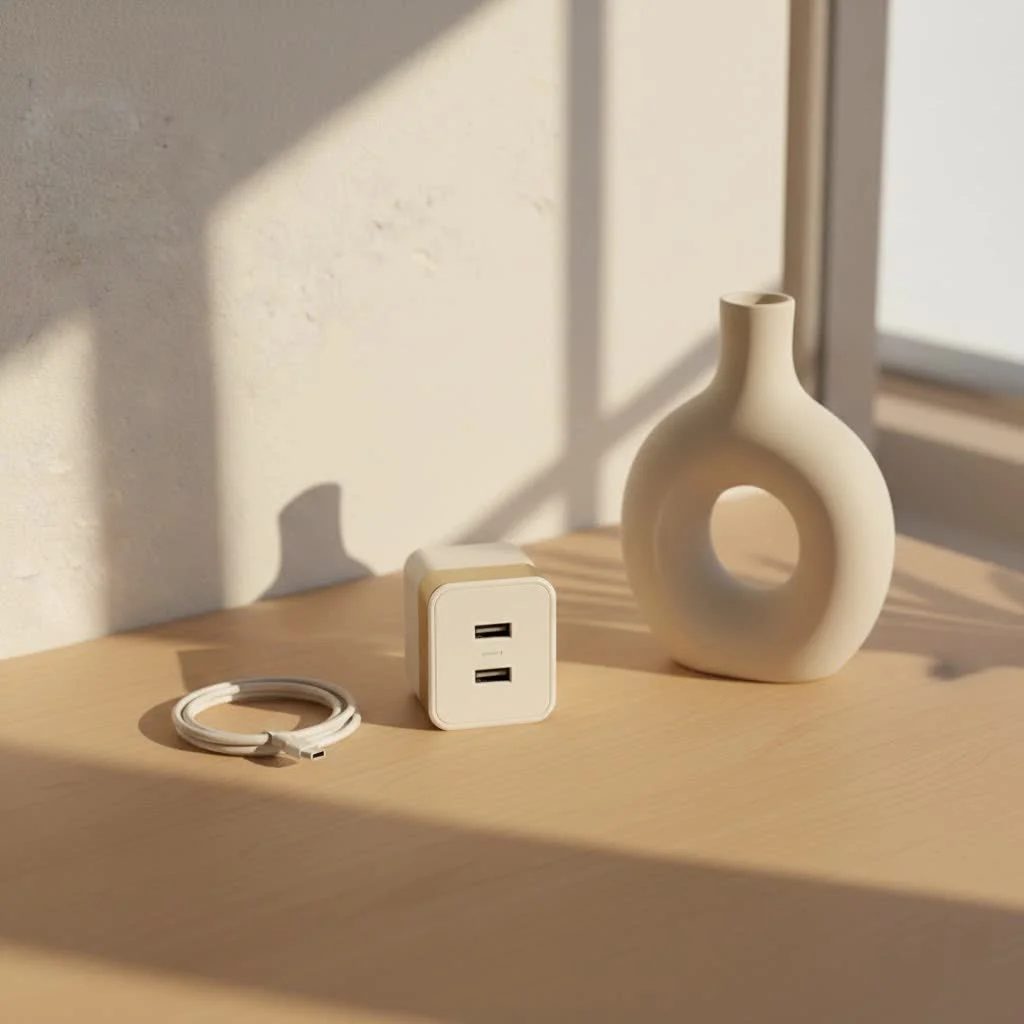
At its core, a plug-in wall charger is a device that converts the alternating current (AC) from your wall outlet into direct current (DC) that your electronic devices can use. Think of it as a small, intelligent transformer. It plugs directly into a standard electrical socket and typically features one or more USB ports (or sometimes a fixed cable) to connect to your devices. These indispensable tools are vital for ensuring consistent, reliable power, enabling quick charging, and often allowing you to power multiple devices simultaneously without the need for a tangled mess of individual chargers.
Decoding Wall Charger Types: Beyond the Basics
The landscape of plug-in wall chargers has evolved dramatically. What once was a simple block has become a hub of advanced technology. Understanding the different types is your first step to choosing wisely.
USB-A Chargers: The Traditional Workhorse
These are the classic rectangular ports you’ve seen for years. While still common for older devices, accessories, and some budget chargers, USB-A generally offers slower charging speeds compared to its newer counterparts. They often max out at 5-12W.
USB-C Chargers: The Modern Standard
USB-C has become the universal go-to for a reason. Its reversible connector means no more fumbling to plug it in, and it supports significantly higher power delivery. This makes USB-C wall chargers ideal for everything from the latest smartphones and tablets to powerful laptops. They support advanced protocols like USB Power Delivery (USB-PD) for rapid charging.
GaN (Gallium Nitride) Chargers: Smaller, Faster, Cooler
GaN technology is a game-changer. Chargers built with Gallium Nitride are physically smaller, more efficient, and run cooler than traditional silicon-based chargers, even at higher wattages. This allows manufacturers to pack more power into a compact form factor, making them perfect for travel or for decluttering your charging station.
Multi-Port Chargers: The Ultimate Convenience
|
Our Picks for the Best Wall Charger in 2026
As an Amazon Associate I earn from qualifying purchases.
|
||
| Num | Product | Action |
|---|---|---|
| 1 | LCGENS USB C Wall Charger Block 20W, 2-Pack Dual Port PD Power Delivery Fast Type C Charging Block Plug Compatible with iPhone 11/12/13/14/15/16/17 Pro Max, XS/XR/X, Ipad Pro, Samsung Galaxy |

|
| 2 | USB C Wall Charger Block, 2Pack 60W 5-Port C Charger Fast Charging Block PD Power Adapter +QC 3.0 Multiport Type C Box Brick Cube USB A Wall Plug for iPhone 15/16/17 Pro Max Plus, iPad,Samsung Galaxy |
|
| 3 | 2Pack USB C Fast Charger Block, 60W 5-Port USB C Wall Charger 30W Type C Charging Block, 2USB C+3USB A PPS/PD 3.0 Multiport Charging Cube for iPhone 17 16 15 14 Pro Max,for Galaxy S25 S24 Ultra, i Pad |
|
| 4 | 128W USB C Wall Charger,GaN III 3-Port Fast Charging Station,PD QC Foldable Charger Block Portable 65W Laptop Adapter for MacBook Pro/Air,iPad Pro,Galaxy S23,Dell XPS 13,iPhone 17/16/Pro etc |
|
| 5 | Anker Nano 47W USB C Charger, 2 Port Compact Foldable GaN Charger for iPhone 17 / 16, Galaxy, Pixel, Compatible with MagSafe (White) |
|
| 6 | USB Wall Charger, LUOATIP 3-Pack 2.1A 5V Dual Port Cube Power Adapter Plug Block Charging Box Brick for iPhone 14 13 12 11 Pro Max SE XS XR X 8 7 6 6S Plus, Galaxy, LG, Moto, Android Phones |
|
| 7 | iPhone Fast Charger 3+3Pack 20W USB C Wall Charger with 6FT Fast Charging Cable Compatible with iPhone 14/13/12/11/Pro/Pro Max |
|
| 8 | Surge Protector Outlet Extender - with Rotating Plug, 6 AC Multi Plug Outlet with 4 USB Ports (2 USB C), 1800J Wall Charger, 3-Sided Power Strip with Spaced Outlet Splitter for Home, Office, Travel |
|
| 9 | JcBlaon Outlet Extender Surge Protector - 6 Outlet Splitter with 4 USB Ports (2 USB C), Multiple Plug Expander Wall Charger, 3 Sided Multi Plug Wall Adapter Power Strip for Home Office Kitchen Travel |
|
| 10 | 2 Pack USB C Charger Block, Dual Port Type C Wall Charger Fast Charging 20W Power Adapter Cube for iPhone 14/14 Pro/14 Pro Max/14 Plus/13/12/11, XS/XR/X, iPad, Samsung, More |
|
Why use multiple wall outlets when one charger can do it all? Multi-port plug-in wall chargers feature several output ports (often a mix of USB-A and USB-C), allowing you to charge your phone, tablet, smartwatch, and earbuds all at once. This reduces clutter and ensures all your devices are ready to go when you are.
Power and Speed: Understanding Wattage and Charging Standards
When it comes to charging, speed and efficiency are key. This is where understanding wattage and charging standards becomes crucial.
What is Wattage and Why it Matters?
Wattage (W) is simply the measure of electrical power a charger can deliver to your device. Higher wattage generally means faster charging. However, your device will only draw as much power as it can safely handle. So, a 100W charger won’t “force” 100W into a phone that only accepts 20W; it will simply deliver 20W.
- Smartphones: Most modern smartphones can effectively charge with 18W to 30W, though some high-end models can handle up to 45W or even 120W.
- Tablets: Larger tablets typically require 30W or more for optimal charging speeds.
- Laptops: Laptops usually need 45W to 100W, with some powerful models requiring even more.
If a charger doesn’t list wattage, you can calculate it by multiplying the voltage (V) and amperage (A) ratings (V x A = W).
Key Charging Protocols: USB Power Delivery (USB-PD) & Quick Charge (QC)
These are the “languages” your charger and device use to communicate and determine the optimal charging speed.
- USB Power Delivery (USB-PD): This is the leading standard, primarily found on USB-C ports. USB-PD enables high-speed charging up to 240W, dynamically adjusting power output to suit the connected device. It’s widely adopted by Apple, Samsung, Google, and many laptop manufacturers.
- Quick Charge (QC): Developed by Qualcomm, Quick Charge is prevalent in many Android devices. It’s designed to deliver more power than standard USB charging, significantly reducing charging times. Newer versions like QC 4+ and QC 5 are also compatible with USB-PD.
Many sophisticated wall chargers feature “smart charging,” which automatically detects your device’s requirements and delivers the appropriate output, optimizing efficiency and protecting battery health.
Safety First: Essential Considerations for Your Plug-In Wall Charger
Safety should always be your top priority when dealing with any electrical device. A low-quality or misused plug-in wall charger can pose significant risks.
Choosing Quality and Certified Adapters
Always opt for chargers from reputable brands that have proper safety certifications. Look for marks like UL (Underwriters Laboratories) in North America, CE (Conformité Européenne) in Europe, or other national safety standards. These certifications indicate that the product has met rigorous safety testing. Be wary of unbranded or suspiciously cheap chargers, as many counterfeit products can be dangerous, potentially causing electric shock or fire. As cybersecurity expert Dr. Alanah Rivera often reminds us, “A few dollars saved on a cheap charger isn’t worth risking your device, your data, or your home.”
Voltage and Compatibility Checks
Before plugging in, ensure the charger’s voltage and current ratings match your device’s requirements. While modern devices are smart enough to regulate power, using a charger with significantly incorrect specifications can still cause damage or pose a hazard.
Avoiding Overloading
Plugging too many devices into a single multi-port charger, or using a charger on an already overloaded power strip, can lead to overheating and potential fire hazards. Always be mindful of the total wattage being drawn.
Inspecting Cords and Outlets
Regularly check your charger cables for fraying, exposed wires, or any damage. A compromised cable is a serious electrical risk and should be replaced immediately. Also, ensure your wall outlets are in good condition; loose or worn outlets can lead to poor connections, overheating, and mechanical damage.
Unplug When Not in Use
Leaving a wall charger plugged into the outlet when not connected to a device still draws a tiny amount of “phantom” power. While minimal, it’s an energy waste and, in rare cases, can contribute to overheating if the charger is faulty or placed near flammable materials. It’s a good practice to unplug chargers when you’re not using them.
Keep Away from Water and Ensure Ventilation
Water and electricity are a dangerous combination. Keep your chargers away from sinks, bathrooms, and outdoor areas. Additionally, chargers can generate heat, especially during fast charging. Ensure they have proper ventilation and are not covered or placed in confined spaces where heat can build up.
Child Safety
If you have young children, keep chargers out of reach or use outlet covers to prevent accidental contact with exposed prongs.
Public USB Ports and Data Security
While convenient, public USB charging stations in airports or cafes can pose a data security risk (known as “juice jacking”). These ports can be compromised to install malware or steal data. It’s always safer to use your own wall charger with a trusted cable, or a portable power bank.
How to Choose the Perfect Plug-In Wall Charger for Your Needs
Ready to upgrade? Here’s a simple checklist to guide your decision:
- Assess Your Devices: What devices do you need to charge? Check their specific port types (USB-A, USB-C) and their maximum wattage requirements. Prioritize chargers that meet or exceed these wattages for optimal speed.
- Determine Your Speed Needs: Do you need the fastest possible charge for your laptop on the go, or a slower overnight charge for your phone? Fast chargers with USB-PD or Quick Charge support are great for quick top-ups.
- Consider Number of Devices: If you have multiple gadgets, a multi-port charger (especially one with a mix of USB-A and USB-C ports) will be far more convenient than carrying several individual chargers.
- Think About Portability: For travelers, a compact GaN charger with high wattage and multiple ports is a game-changer. For home use, size might be less of a concern.
- Future-Proofing: Investing in a USB-C PD compatible charger, particularly one with GaN technology, is a smart move as more devices adopt this standard.
- Don’t Skimp on Quality: While budget is a factor, compromising on safety and reliability is never worth it. Stick to reputable brands and certified products.
Maximizing Lifespan: Tips for Using and Maintaining Your Charger
A little care goes a long way in ensuring your plug-in wall charger serves you well for years.
- Handle with Care: Avoid yanking cables out of the charger or wall outlet by the cord itself. Always grasp the plug head.
- Store Properly: When not in use, coil cables neatly without sharp bends, and store chargers in a cool, dry place. Avoid extreme temperatures.
- Keep it Clean: Occasionally wipe down your charger with a dry cloth to prevent dust buildup, especially around the ports.
- Monitor for Issues: Pay attention to any unusual smells, excessive heat, or strange noises coming from your charger. If something feels off, stop using it immediately.
Frequently Asked Questions (FAQ)
What’s the difference between a wall charger and a power adapter?
While often used interchangeably, “wall charger” typically refers to the device that plugs into the wall to charge smaller electronics like phones via USB. A “power adapter” is a broader term, often used for laptops or other devices that might use a barrel connector or a non-USB output, though USB wall chargers are technically a type of power adapter.
Can I use a higher wattage charger than my device supports?
Yes, generally. Modern devices are designed to only draw the power they need. So, if your phone supports 20W charging, plugging it into a 65W charger will still result in 20W charging, not 65W. The charger simply has the capacity to deliver more if a compatible device requests it.
Is it safe to leave a wall charger plugged in all the time?
For reputable, certified chargers, leaving them plugged in without a device connected is generally safe, as they draw minimal power. However, it’s still good practice to unplug them to save energy, reduce minimal heat generation, and eliminate any tiny risk, especially if the charger is old or damaged.
Why are some wall chargers so much smaller now?
This is largely due to GaN (Gallium Nitride) technology. GaN allows components to operate at higher voltages and temperatures more efficiently than traditional silicon, resulting in smaller, lighter, and more powerful chargers without compromising performance or safety.
How can I tell if my charger is fake or unsafe?
Look for reputable brand names, proper safety certifications (like UL or CE marks), and a high-quality feel. Fake chargers often have poor build quality, incorrect pin spacing (which can cause electric shock), missing safety labels, or unusually low prices that seem too good to be true. Always purchase from trusted retailers.
Conclusion
Choosing the right plug-in wall charger might seem like a minor detail, but it profoundly impacts your device’s performance, battery health, and most importantly, your safety. By understanding the different types, wattage, charging protocols, and crucial safety considerations, you’re empowered to make smart choices. At SYFCA.com, we believe that informed users are safer, happier users. So, take these insights, power up your devices efficiently, and enjoy the confidence that comes with knowing you’re using the best, safest charging solutions available. Happy charging!
Get our weekly buyer guide
Practical specs, not advice. Unsubscribe anytime.